
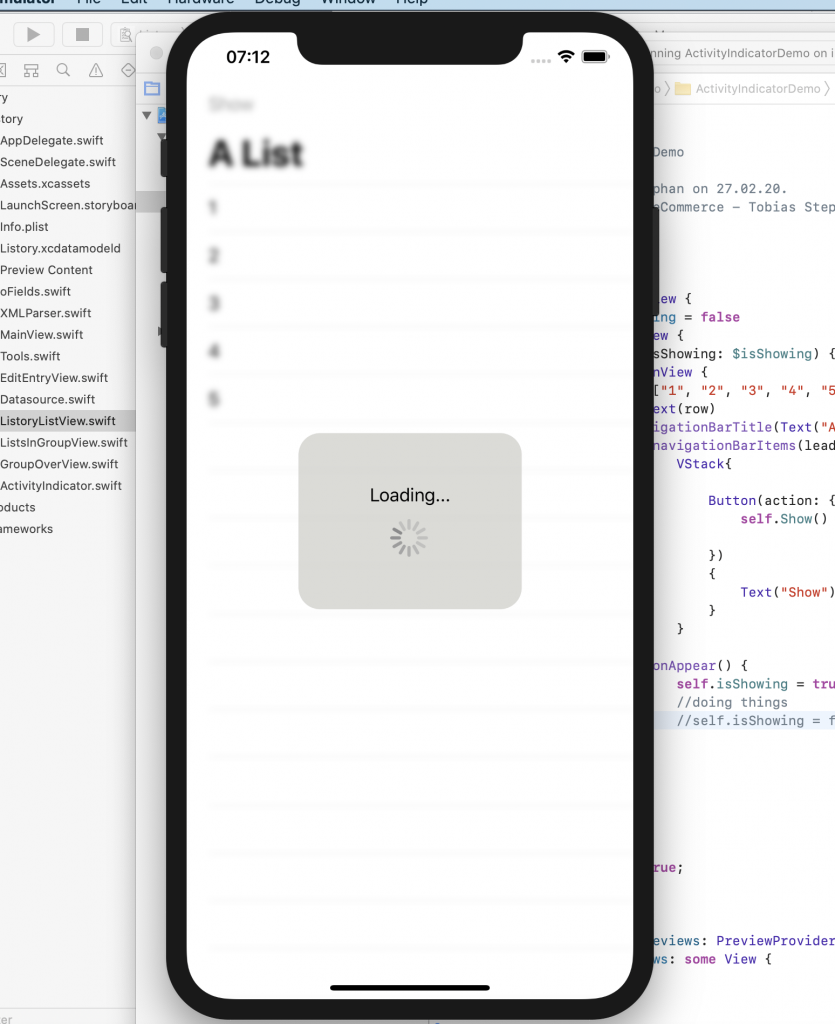
Eine ganze Reihe von Ansichten sind noch nicht in SwiftUI vertreten, aber es ist einfach, sie in das System zu portieren. Sie müssen UIActivityIndicator umbrechen und UIViewRepresentable machen.
import SwiftUI

struct ContentView: View {
    @State var isShowing = false
    var body: some View {
        LoadingView(isShowing: $isShowing) {
            NavigationView {
                List(["1", "2", "3", "4", "5"], id: \.self) { row in
                    Text(row)
                }.navigationBarTitle(Text("A List"), displayMode: .large)
                    .navigationBarItems(leading:
                        VStack{

                            Button(action: {
                                self.Show()

                            })
                            {
                                Text("Show")
                            }
                        }
                )
                    .onAppear() {
                        self.isShowing = true
                        //doing things
                        self.isShowing = false
                }
            }
        }
    }


    func Show() {
        isShowing = true;
    }
}

struct ContentView_Previews: PreviewProvider {
    static var previews: some View {
        ContentView()
    }
}


struct ActivityIndicator: UIViewRepresentable {

    @Binding var isAnimating: Bool
    let style: UIActivityIndicatorView.Style

    func makeUIView(context: UIViewRepresentableContext) -> UIActivityIndicatorView {
        return UIActivityIndicatorView(style: style)
    }

    func updateUIView(_ uiView: UIActivityIndicatorView, context: UIViewRepresentableContext) {
        isAnimating ? uiView.startAnimating() : uiView.stopAnimating()
    }
}

struct LoadingView: View where Content: View {

    @Binding var isShowing: Bool
    var content: () -> Content

    var body: some View {
        GeometryReader { geometry in
            ZStack(alignment: .center) {

                self.content()
                    .disabled(self.isShowing)
                    .blur(radius: self.isShowing ? 3 : 0)

                VStack {
                    Text("Loading...")
                    ActivityIndicator(isAnimating: .constant(true), style: .large)
                }
                .frame(width: geometry.size.width / 2,
                       height: geometry.size.height / 5)
                    .background(Color.secondary.colorInvert())
                    .foregroundColor(Color.primary)
                    .cornerRadius(20)
                    .opacity(self.isShowing ? 1 : 0)

            }
        }
    }

}


Über den Autor